
Setup Out of Office Responder
You can automatically reply to customer texts when your store is closed or is contacted out of your normal business hours.
This is especially useful if you’re:
- Taking time off for the holidays
- Closed on certain days of the week
- Temporarily pausing orders
How to setup your office hours and out of office auto reponder
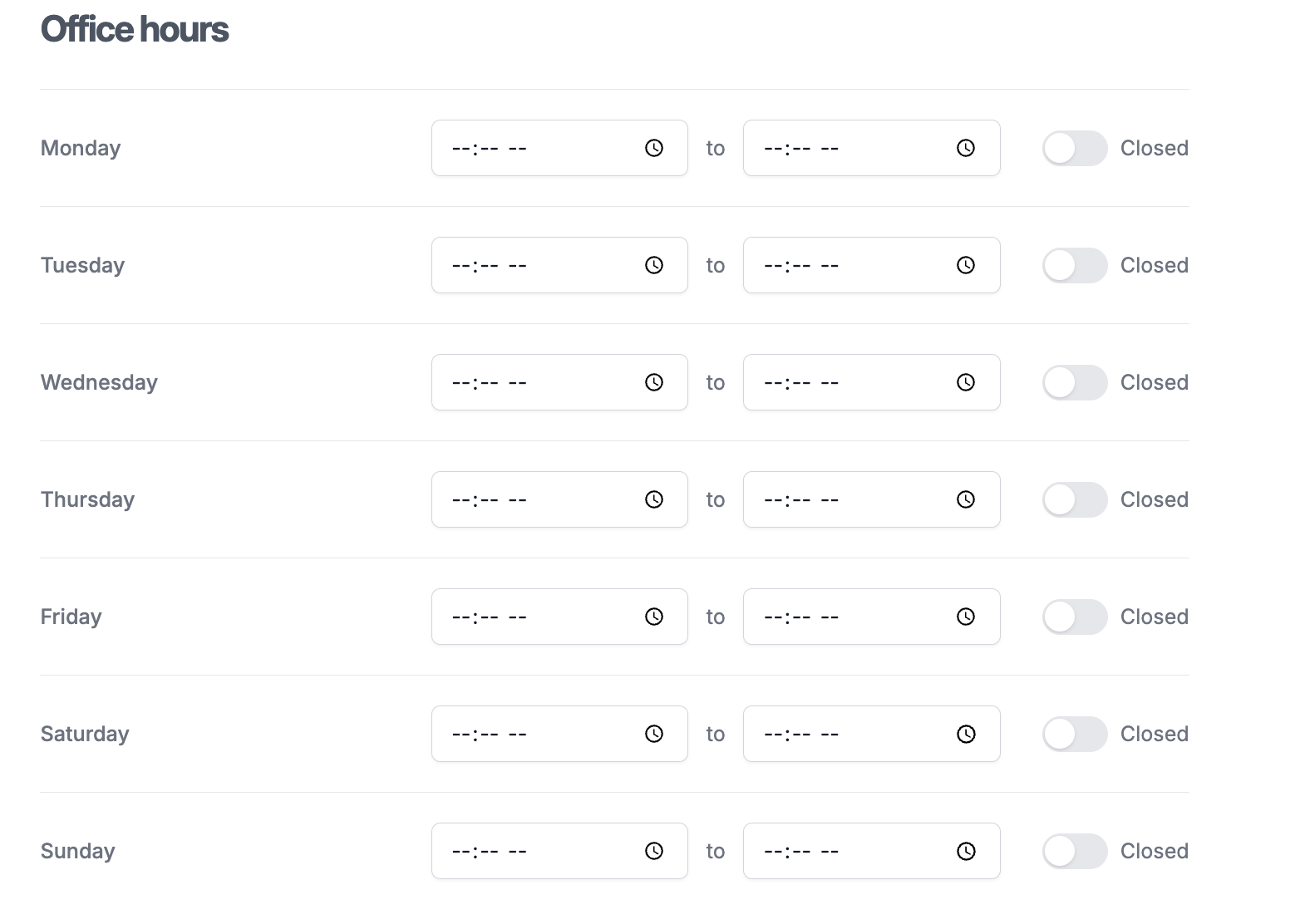
1. Set your days and hours of operation here: https://dashboard.bottle.com/settings
2. Open your automations and start a new automation - https://dashboard.bottle.com/automation/drop/new

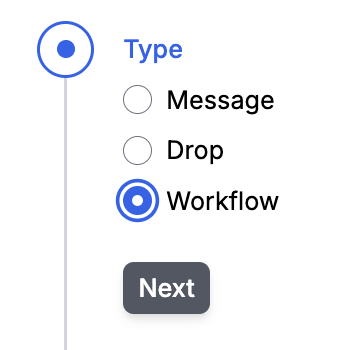
3. Set the type as “Workflow”
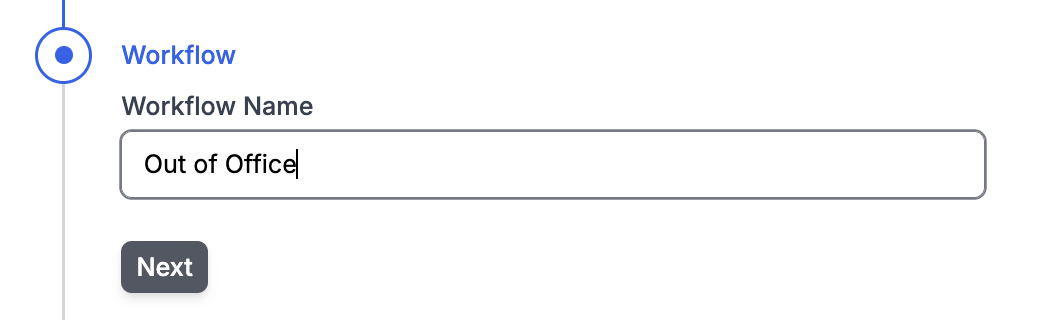
4. Set the name as “Out of Office”
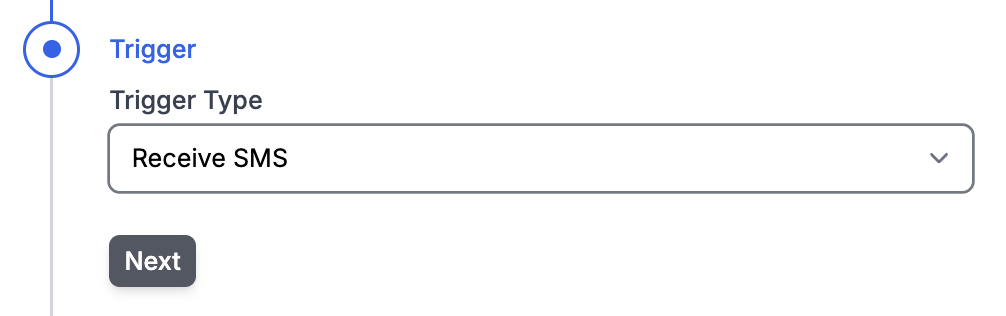
#5 Set the Trigger type as “Receive SMS”
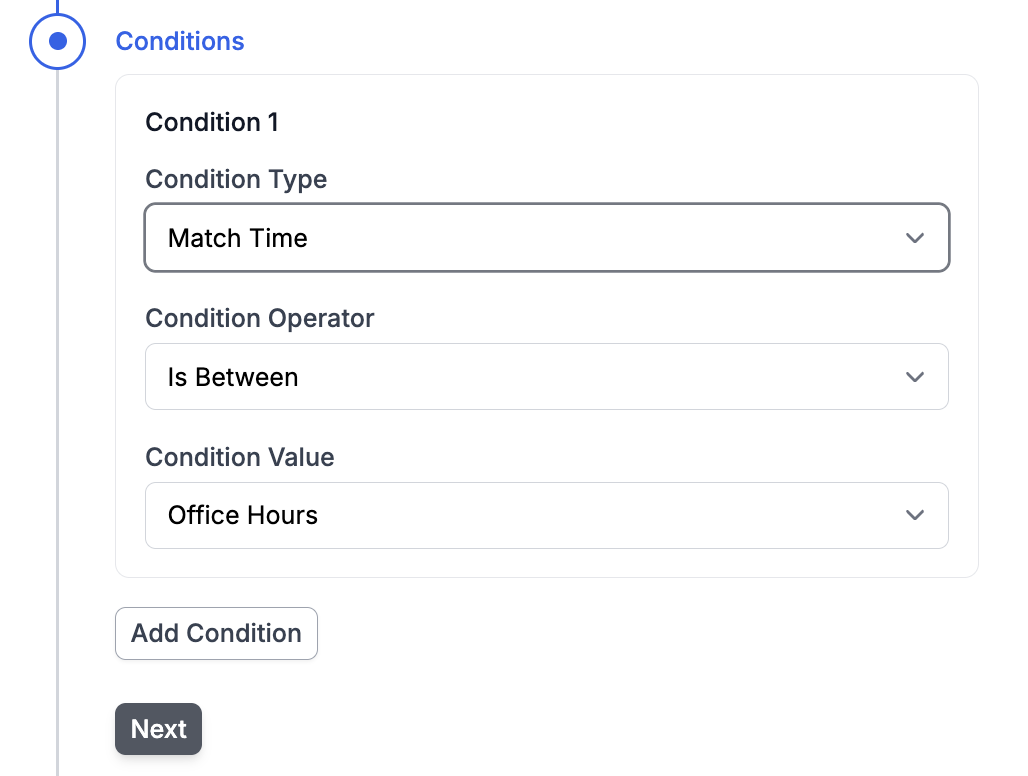
6. Set the conditions as:
Condition Type a “Match Time”
Condition Operator a “Is Not Between”
Condition Value as “Office Hours”
#7 Set Action Type as “Send SMS” and the message you’d like to reply with
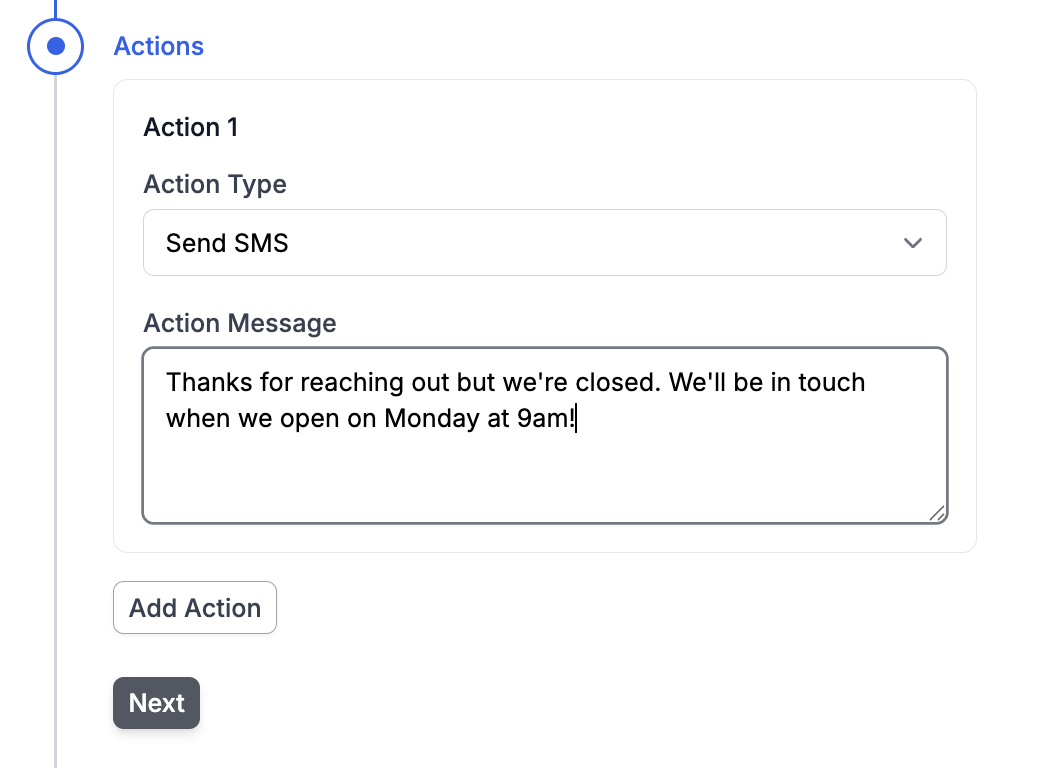
Click Save to activate your Out of Office auto-responder.